Coverage in Baja: Signal Along the Transpeninsular Highway
Ah, Baja California! The very name conjures images of stunning coastlines, rugged desert, and those legendary road trips along the Transpeninsular Highway. But let's be real, paradise often comes with its own unique set of challenges, and for many of us, staying connected is a big one. Nothing throws a wrench in your travel plans or gives you a headache faster than a sputtering cell signal when you need it most. This guide will dive deep into the real-world experience of mobile data and cell coverage along Baja's iconic highway, offering practical solutions to keep you connected, no matter how far off the beaten path you venture.
Disclosure: This post may contain affiliate links. We may earn a commission at no extra cost to you if you make a purchase through these links. Read full disclosure.
The Reality of Cell Coverage on Baja's Transpeninsular Highway
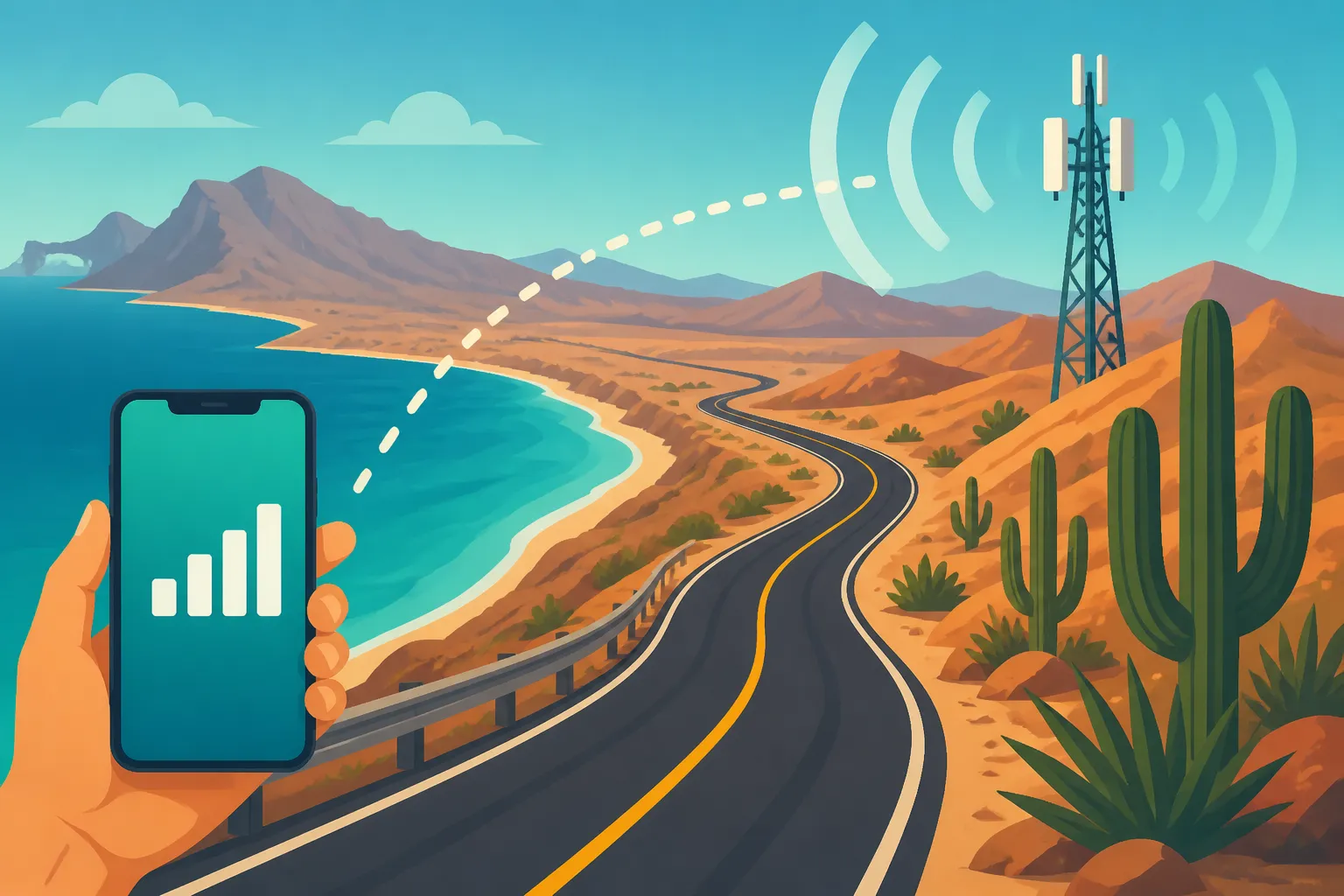
The Baja California peninsula is a marvel, stretching over 1,200 kilometers, from Tijuana down to Cabo San Lucas. But that sheer length and diverse terrain – from bustling border cities to vast, empty deserts and remote fishing villages – means cell coverage is anything but uniform. If you've driven the Transpeninsular Highway, or Carretera Federal 1, you know what I'm talking about. You'll go from full bars in a town to absolutely nothing for stretches that feel like an eternity, leaving you wondering if your phone just decided to retire early.
Why Baja's Signal is a Different Beast
Unlike more densely populated parts of Mexico, Baja's infrastructure can be sparse. The sheer scale of the desert, mountains, and long stretches of coastline means that cellular towers are few and far between once you leave the major towns. It's not like the central plateau where you often find decent coverage even between smaller cities. Here, the landscape itself is a formidable barrier. Canyons, arroyos, and even just the curvature of the earth over long distances can block signals, turning what should be a simple Google Maps check into a moment of pure panic.
Another factor is the primary purpose of the highway itself. While it's a critical artery, it traverses areas that aren't high priority for cellular expansion. Most development focuses on the tourist hubs and larger cities like Ensenada, La Paz, and Los Cabos. The spaces in between are still largely untouched, which is wonderful for scenery but terrible for your mobile data plan. This reality hits particularly hard if you're trying to work remotely or just need to stay in touch with family, suddenly finding yourself in a digital black hole.
Common Dead Zones and Where to Expect Them
From my own experience, and the collective grumbles of countless expats and travelers, certain areas along the Transpeninsular Highway are notorious for their signal voids. Heading south from Ensenada, you'll often encounter patchy service as you get into the more rugged terrain towards El Rosario.
Further down, the stretch between Guerrero Negro and Santa Rosalía, particularly through the vast Vizcaíno Desert, is legendary for its lack of signal. You can drive for hours with absolutely no connectivity – no data, no calls, no emergency services beyond a satellite phone. This is where pre-downloading maps and keeping a keen eye on your fuel gauge really comes into play. The same goes for parts of the drive through the Sierra de la Giganta mountains between Loreto and La Paz. It’s breathtakingly beautiful, but don't expect to share your immediate photos on Instagram.
Here’s a rough breakdown of major carriers and common signal reliability along the Transpeninsular:
| Highway Segment | Telcel Reliability | Movistar Reliability | AT&T Mexico Reliability | Notes |
|---|---|---|---|---|
| Tijuana to Ensenada | Good | Good | Good | Generally strong, some minor dips near hills. |
| Ensenada to El Rosario | Fair to Spotty | Spotty | Spotty | Significant drop-offs, especially south of San Quintín. |
| El Rosario to Guerrero Negro | Poor to None | None | Poor to None | Long stretches of no service, especially in remote desert areas. |
| Guerrero Negro to Santa Rosalía (Vizcaíno Desert) | None | None | None | Major dead zone. Prepare for hours without signal. |
| Santa Rosalía to Loreto | Fair to Spotty | Spotty | Spotty | Better near towns, but breaks between. |
| Loreto to La Paz (Sierra de la Giganta) | Spotty to Poor | Poor | Spotty to Poor | Mountainous terrain causes frequent signal loss. |
| La Paz to Todos Santos | Good | Good | Good | Generally reliable, high traffic area. |
| Todos Santos to Cabo San Lucas | Excellent | Excellent | Excellent | Strongest coverage in the major tourist corridor. |
Note: "Reliability" is subjective and can vary based on device, weather, and specific location. This table serves as a general guideline based on typical expat experiences.
For those exploring Baja California: Beaches, Wine, and Whale Watching, understanding these dead zones is paramount for a safe and enjoyable trip.
Traditional Solutions and Their Limitations in Baja
When you first move to or travel extensively in Mexico, the obvious solution for connectivity is often a local SIM card or relying on your home country's international roaming. While these can work well in cities, they often fall flat on their face when you venture into Baja's more remote stretches.
Local SIM Cards: A Hit-or-Miss Affair
Getting a local SIM card from a major Mexican carrier like Telcel, Movistar, or AT&T Mexico seems like the logical first step, and for city life, it absolutely is. Telcel generally boasts the widest coverage, even in more rural areas, but "widest" doesn't mean "everywhere," especially along the Transpeninsular. Movistar and AT&T Mexico, while competitive in urban centers, tend to drop off even more dramatically in the vast expanses of Baja.
The real headache with physical SIM cards on a road trip is that they're still beholden to the local infrastructure. If there's no tower from your chosen provider for a hundred kilometers, your shiny new Mexican SIM is just a piece of plastic. And then there's the inconvenience: finding a store to buy it, navigating activation (often in Spanish), and dealing with topping up, which can be tricky in small towns where obscure recharge cards might be unavailable or only for specific carriers. Imagine pulling over in a tiny, dusty pueblo hoping to find a Telcel recharge, only to discover the sole tienda only sells Movistar, and your phone just ran out of data. It's a common frustration that can really sour your adventure.
International Roaming: The Costly Gamble
Many expats and tourists initially rely on international roaming plans from their home country carriers. It sounds convenient – your phone just works! But convenience often comes at an exorbitant price. Those daily roaming fees or per-gigabyte charges can quickly add up, turning a simple navigation query or a quick check of social media into a budget-busting event.
Beyond the cost, international roaming doesn't magically create signal where there isn't any. If Telcel, the strongest network, has no coverage, then your home carrier, which likely roams on Telcel's network, won't either. You're still at the mercy of the local infrastructure, but now you're paying a premium for that same unreliable service. It's like paying first-class prices for an economy seat, then finding out the plane is missing its wings anyway. It's a gamble that most seasoned Baja travelers quickly learn to avoid. For tips on general connectivity, check out Internet and Mobile Phone Plans in Mexico: Staying Connected as an Expat.
The Savvy Expat's Solution: eSIMs for Seamless Baja Connectivity
Given the frustrations of traditional methods, savvy expats and frequent Baja travelers have been searching for a better way to stay connected. And let me tell you, the rise of eSIM technology has been a game-changer, especially for challenging regions like the Transpeninsular Highway.
What is an eSIM and Why is it Perfect for Baja?
For those new to the concept, an eSIM (embedded SIM) is essentially a digital SIM card. Instead of a physical chip you insert into your phone, the SIM profile is downloaded directly to your device. Most newer smartphones are eSIM compatible, meaning you can have multiple cellular plans stored on your phone simultaneously – your home country plan and a local or regional plan for Mexico, for example.
Why is this perfect for Baja?
- Instant Activation: No need to hunt down stores, fill out paperwork, or struggle with Spanish-speaking sales reps. You purchase and activate an eSIM online, often in minutes, before you even leave home or while you're connected to Wi-Fi.
- Flexibility: You can easily switch between your home plan and your Mexico plan with a few taps on your phone. This means you can keep your home number active for important calls/texts while using the eSIM for data.
- Cost-Effective: eSIM data packages are usually much more affordable than international roaming, giving you more data for your pesos.
- No Physical Card: No worrying about losing a tiny plastic card, fumbling with SIM ejector tools, or finding a place to store your home SIM.
- Access to Local Networks: An eSIM for Mexico gives you direct access to local networks (like Telcel), often at better rates and with the same coverage capabilities as a physical SIM, but without the hassle.
- Multi-Network Support (sometimes): Some eSIM providers offer access to multiple networks within Mexico, automatically switching to the strongest available signal, which is a HUGE advantage in Baja's patchwork coverage. This is where a provider like Airalo truly shines.
Airalo: Your Connectivity Hero for Baja
This is where I tell you about my personal game-changer for staying connected in Mexico, especially during those long drives down the peninsula. Airalo is an eSIM marketplace that offers data plans for over 200 countries and regions, including Mexico. What makes Airalo so perfect for Baja is its ease of use, competitive pricing, and crucially, its ability to leverage the best local networks.
With Airalo, you can purchase a data package specifically for Mexico (or even a regional North America plan if you're crossing borders often) and have it downloaded and ready on your phone before you even hit the road. When you cross into an area where your usual carrier fails but another network still has towers, instead of scrambling, you can often still pull a signal because Airalo taps into the most robust local networks. It's like having a local SIM but without any of the hassle, and sometimes even with better network flexibility.
For an uninterrupted connection, whether you're navigating to your next remote campsite or simply wanting to update loved ones that you're safe, Airalo removes a significant layer of stress. It’s a seamless way to ensure you have data when you need it most, without the shock of an exorbitant roaming bill. Learn more about how these work in general with our guide on Mobile Data and eSIMs for Travel in Mexico.
Step-by-Step Guide to Setting Up Airalo for Your Baja Trip
Getting Airalo set up is surprisingly straightforward, even for those who aren't tech-whizzes. Here's how to do it:
- Check Device Compatibility: First things first, ensure your smartphone supports eSIM technology. Most iPhones XS and newer, Google Pixel 3 and newer, and many newer Samsung Galaxy models are compatible. A quick online search for "eSIM compatible phones" will confirm if your device is on the list.
- Download the Airalo App: Head to your phone's app store (iOS or Android) and download the free Airalo app.
- Choose Your Mexico Plan: Open the app and search for "Mexico" or "North America" plans. You'll see various data packages (e.g., 1GB, 3GB, 5GB) with different validity periods (e.g., 7 days, 15 days, 30 days). Pick the one that best suits your trip length and expected data usage. Remember, you can always top up if you run out.
- Purchase Your eSIM: Follow the prompts to purchase your chosen plan. Payment is typically made within the app using a credit card or PayPal.
- Install the eSIM: This is the crucial step. Airalo provides clear, easy-to-follow instructions right in the app. You can usually choose between direct installation, QR code, or manual input.
- Direct Installation (Easiest): Just tap "Install eSIM" in the Airalo app, and your phone will guide you through adding the cellular plan.
- QR Code: If direct installation isn't available or preferred, you can scan a QR code provided by Airalo with your phone's camera (often through your phone's cellular settings).
- Manual Input: For certain devices or issues, you might need to manually enter activation details. Airalo will provide these numbers.
- Activate and Configure: Once installed, go to your phone's cellular settings. You'll see your new Airalo plan listed.
- Label it: Give it a recognizable name, like "Mexico Data" or "Baja eSIM," so you know which one it is.
- Set for Data: Make sure this new eSIM is selected for "Cellular Data" or "Mobile Data." Keep your primary SIM active for calls and texts if you wish, but set the Airalo eSIM as your data default.
- Enable Data Roaming: This is critical! Even though it's an eSIM, it uses local networks, and your phone might consider this "roaming." Make sure "Data Roaming" is switched ON for your Airalo eSIM. Without it, you won't get any data.
- You're Connected! Now, when you need data on the Transpeninsular Highway, your phone will automatically connect using your Airalo eSIM. It really is that simple and efficient, allowing you to focus on the road and the stunning views.
Having Airalo on your side means fewer worries about getting lost, being unable to contact help, or missing out on sharing those incredible Baja moments due to poor signal. It’s an essential tool for any modern expat or tourist venturing into Mexico’s wilder, more beautiful parts.
Essential Tips for Staying Connected and Safe on the Transpeninsular Highway
Even with an excellent solution like Airalo, which significantly boosts your connectivity, Baja's vastness means you should always have backup plans. Relying 100% on any single technology in remote areas is just asking for trouble. Being a seasoned expat means learning to anticipate potential hiccups, especially when it comes to vital services.
Backup Strategies and Offline Resources
Think of your connectivity plan as a layered cake, with your Airalo eSIM as the delicious main course. But you need more than just cake!
- Download Offline Maps: This is non-negotiable. Before you leave any major city with Wi-Fi, download offline maps of the entire Baja California peninsula using apps like Google Maps or Maps.me. These apps allow you to navigate even without a data signal, showing your GPS location on the pre-loaded map. It’s a lifesaver when you suddenly find yourself in a dead zone, especially if you're Driving in Mexico: Toll Roads Cuotas vs Free Roads Libres and might need to find an alternative route.
- Inform Someone of Your Route: Always let a friend or family member know your planned route and estimated arrival time, especially if you're traveling solo. Agree on check-in times. This way, if you don't show up, someone knows where to start looking.
- Carry a Physical Map: Yes, in this digital age, a good old-fashioned paper map is still a fantastic backup. Batteries die, phones break, and signals vanish. A physical map doesn't.
- Power Banks: Bring a fully charged power bank (or two!) for your phone and other devices. You won't find many charging points in the middle of the desert.
- Offline Entertainment: Load up your phone or tablet with music, podcasts, audiobooks, or movies. Long stretches of road with no signal can get boring, and this saves your data for when you really need it.
- Emergency Communication Device: For truly intrepid explorers heading into the most remote areas, consider a satellite messenger device. These allow you to send SOS messages and basic text updates even when there’s no cell service at all. While an Airalo eSIM provides excellent general coverage, a satellite device offers ultimate peace of mind in extreme scenarios.
Planning Your Journey Around Known Signal Gaps
Knowledge is power, especially on the Transpeninsular. Knowing where signal tends to drop off allows you to plan your calls, messages, and internet use accordingly.
- Make Important Calls in Towns: If you have an important call or need to upload a large file, do it when you're in a city or town with known good coverage. Don't assume you'll have signal a few kilometers down the road.
- Check for Wi-Fi Hotspots: Many larger gas stations, restaurants, and hotels in Baja offer free Wi-Fi. Take advantage of these opportunities to send messages, check emails, or download anything you might need offline for your next leg of the journey.
- Fuel Up and Stock Up: When you know you're heading into a long stretch of no signal, it's usually also a stretch with no services. Fill your tank, top up your water bottles, and grab snacks. Being prepared for the road also means being prepared for isolation.
- Emergency Contact Info: Have important phone numbers (emergency contacts, local roadside assistance, your consulate) written down somewhere accessible, not just stored in your phone. This is crucial for Emergency Numbers in Mexico: How to Call Police, Fire, or Ambulance.
By combining the reliable data of an Airalo eSIM with smart planning and offline resources, you can enjoy the incredible beauty of Baja California without the constant anxiety of losing touch. Remember, preparation is key to a smooth and safe journey on Mexico's stunning, yet sometimes challenging, roads. For more general advice on staying safe, review Staying Safe in Mexico: Practical Tips for Travelers and Mexico Travel Safety by Region: What to Know.
Disclaimer
The information provided in this article is intended for general guidance and informational purposes only. While we strive to keep the content accurate and up-to-date, circumstances in Mexico, including cellular network coverage, service availability, and regulations, can change rapidly. Always consult official sources, current travel advisories, and confirm details with service providers or local authorities before making travel or connectivity decisions. Neither the author nor the publisher assumes any responsibility for any loss, injury, or inconvenience sustained by anyone relying on this information.