Dynamic Currency Conversion at Mexican ATMs: The ‘Charge in Dollars’ Trap
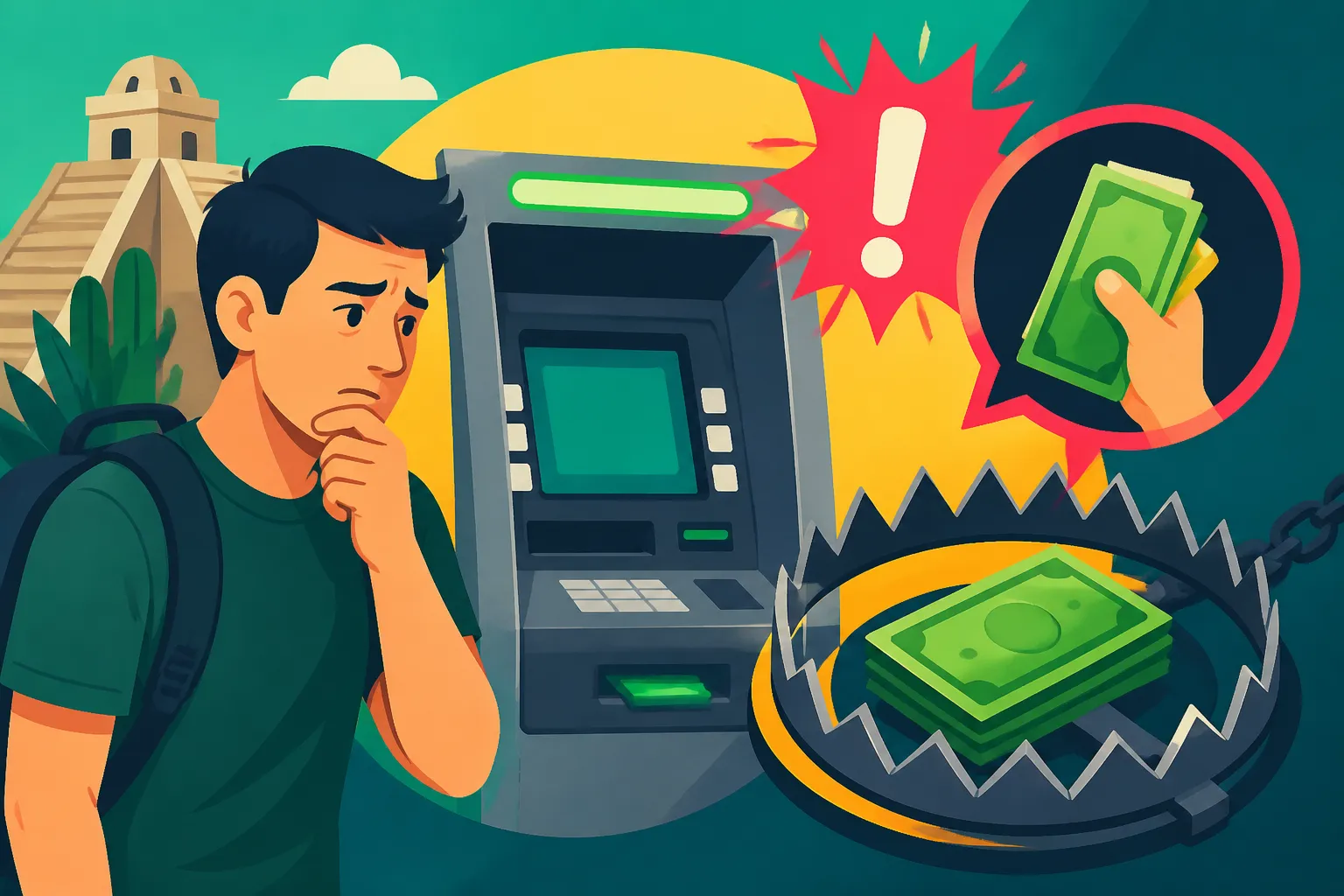
Your card slides into an ATM in Cancún, Mérida, or Mexico City, and the screen offers to “lock in” your rate by charging you in US dollars. It looks helpful. It is usually the most expensive choice on the screen. This guide shows what dynamic currency conversion is, what it really costs, how to decline it every time, and how a Wise card keeps peso withdrawals cheap and predictable.
Disclosure: This post may contain affiliate links. We may earn a commission at no extra cost to you if you make a purchase through these links. Read full disclosure.
What Dynamic Currency Conversion Looks Like at a Mexican ATM
The first time I hit this screen I was jet-lagged, standing in a hot vestibule outside an OXXO with a line forming behind me. The message said something like “We can convert this transaction to your home currency. Your rate is guaranteed.” It sounded official. I pressed accept, and only weeks later, reading my statement, did I see what that “guaranteed” rate had cost me. If you have done the same, it is not a failure on your part. The screen is designed to be accepted by tired people.
The Screen That Asks How You Want to Be Charged
Dynamic currency conversion, usually shortened to DCC, is a service the ATM operator offers when it detects a foreign card. Instead of sending your card network a request in pesos and letting your bank convert the amount, the ATM converts the withdrawal into your home currency before the transaction leaves the machine. You see a figure in dollars, euros, pounds, or Canadian dollars, plus a rate the machine has chosen.
The screen normally gives two options. One charges you in your home currency at the ATM’s rate. The other charges you in pesos and leaves the conversion to your card issuer. Wording varies by machine, and the buttons are not always labelled clearly. Some screens show the dollar option in a large green button and the peso option in small grey text. Others put the dollar figure first and make you hunt for a second screen to decline.
The important thing to understand is that the operator fee and DCC are two separate things. Mexican ATMs typically show you a withdrawal fee, called a comisión, which the bank that owns the machine charges for using it. That fee appears whether you accept DCC or not. DCC is an extra layer on top: a conversion markup built into the exchange rate the machine shows you. Declining DCC does not remove the operator fee, but it does remove the hidden markup.
Why the Guaranteed Rate Is the Expensive One
The word “guaranteed” is doing a lot of work on that screen. Yes, the rate is fixed at the moment you accept. But it is fixed at a level the ATM operator chose, and that level includes a margin for them. The convenience of seeing your home currency on the screen is the product you are paying for.
When you choose pesos instead, your card network and your issuer handle the conversion. Depending on your card, that may involve a foreign transaction fee, but it typically uses a wholesale-based rate that sits much closer to the real market rate. With a card built for spending abroad, the difference is stark.
To give you a reference point, the Banco de México FIX rate published for 16 October 2026 was 18.4930 pesos per US dollar. That is the official benchmark rate, close to what currency markets were trading at. A DCC screen will show you a rate that is noticeably less favourable than whatever the benchmark is on the day you withdraw. The only way to know how much worse is to compare the figure on screen with the day’s rate, and almost nobody does that while standing at a machine with strangers waiting.
Where You Are Most Likely to See the Offer
DCC offers turn up most often where foreign cards are common: airport terminals, hotel lobbies, resort strips like the Hotel Zone in Cancún, Quinta Avenida in Playa del Carmen, the Malecón in Puerto Vallarta, and the tourist corridors of San Miguel de Allende. Standalone machines in convenience stores and shopping centres, often run by independent operators rather than the big banks, are another frequent source.
Not every ATM in Mexico shows a DCC offer, and practices differ between banks and between individual machines. A branch ATM in a residential colonia might process your card in pesos with no prompt at all, while a machine owned by the same bank at the airport might push the conversion hard. Treat every machine as if it might ask, and you will never be caught out.
Card payments are a parallel risk. Restaurant terminals and shop card readers can offer the same conversion, with the waiter asking “¿En dólares o en pesos?” as they hand you the terminal. The answer is the same: pesos. For the broader picture on card use, cash withdrawals, and security at machines, see Using ATMs in Mexico: Avoiding Fees and Staying Secure.
What the Charge in Dollars Trap Costs You Over Time
One accepted DCC offer feels trivial. The problem is that cash is still a daily part of life in Mexico. Taco stands, mercado vendors, garrafón water deliveries, tips for the bagger at the supermarket, the gas truck, the gardener: so much runs on pesos in hand. If you want to understand just how much cash you will need, Cash Culture in Mexico: When You Still Need Pesos goes deep on it. The more you withdraw, the more an accepted conversion compounds.
A Single Withdrawal Broken Down
DCC markups commonly land somewhere in the region of 3 to 5 percent above a fair conversion rate. Picture withdrawing pesos worth about USD 500 to cover rent top-ups, a weekend in Valladolid, and a week of market shopping. If you accept DCC at a 3 to 5 percent markup, you are paying roughly USD 15 to 25 extra on that single withdrawal. That money does not appear as a line labelled “fee”. It is folded quietly into the exchange rate.
Then add the operator fee. Suppose the screen shows a comisión of MXN 30. At the FIX rate for 16 October 2026, MXN 30 works out to about USD 1.62. That fee would apply either way, but it is the only cost the machine shows you openly. The DCC markup, which can be ten times larger on a withdrawal of this size, is the one hidden in plain sight.
There is a sneaky double-dip risk too. Some home-country banks charge a foreign transaction fee on any transaction processed abroad, even when it arrives already converted into dollars. So accepting DCC does not necessarily spare you your own bank’s foreign fee. In that case you pay the ATM’s markup and your bank’s fee on the same withdrawal.
The Monthly and Yearly Picture
Now scale it up. Many expats, especially retirees living on US income, withdraw something like USD 1,000 a month in pesos. If you accept DCC every time at a 3 to 5 percent markup, that is USD 30 to 50 lost each month, or USD 360 to 600 a year. That is a few months of electricity bills, a round-trip domestic flight to Oaxaca, or a very nice dinner for two in Polanco every month, spent on nothing at all.
For anyone on a fixed income, this matters. If you are converting Social Security or a pension into pesos, the method matters as much as the timing, and Retiring in Mexico on US Social Security: Getting Dollars Into Pesos Cheaply lays out the options. If you want to think through how frequently to convert in the first place, see Living on Dollars, Spending in Pesos: How Often Should You Convert?.
Accepting Versus Declining at a Glance
Here is how the two choices compare on a withdrawal of pesos worth about USD 500, assuming a DCC markup between 3 and 5 percent and a MXN 30 operator fee shown on screen.
| Factor | Accept charge in dollars | Decline and charge in pesos |
|---|---|---|
| Who sets the exchange rate | The ATM operator | Your card network and issuer |
| Conversion markup on about USD 500 | Roughly USD 15 to 25 hidden in the rate | No ATM markup; your issuer’s own pricing applies |
| Operator comisión of MXN 30 | Applies, about USD 1.62 | Applies, about USD 1.62 |
| Monthly cost if you withdraw about USD 1,000 | Roughly USD 30 to 50 in markup | No ATM markup |
| Yearly cost at about USD 1,000 a month | Roughly USD 360 to 600 in markup | No ATM markup |
| Home bank foreign fee | May still apply on top | Depends on your card |
| What you see on screen | A dollar amount that feels familiar | A peso amount you must convert in your head |
The pattern is simple. The only thing accepting buys you is the comfort of seeing your own currency on the screen. Everything else points to declining.
How to Decline DCC Step by Step
Once you know the trap exists, avoiding it is a matter of habit. The tricky part is that screens change between machines, and the declining button is rarely the obvious one. Here is the routine I follow every single time, whether I am in a Monterrey shopping mall or a tiny pueblo in the Sierra Gorda.
The Walkthrough at the Machine
- Choose a machine attached to a bank branch or inside a bank vestibule when you can, ideally during daylight hours. These tend to be better maintained and safer, and you can walk inside if something goes wrong.
- Insert your card and choose your language. English is often available, but knowing the Spanish screens helps when it is not.
- Select “Retiro” or “Withdrawal” and pick an account type if asked. For foreign cards, “Cheques” or “Checking” usually works.
- Enter the amount in pesos. Withdrawing larger amounts less often keeps the number of operator fees down, as long as you can store cash safely.
- Read the operator fee screen. The machine should show the comisión before you confirm. If it looks unreasonably high, cancel and find another machine.
- Watch for the conversion offer. If the screen shows an amount in dollars, euros, or your home currency with a rate attached, that is DCC.
- Choose the option to decline, continue without conversion, or be charged in pesos. Do not press the large highlighted button by reflex.
- Confirm the withdrawal in pesos, take your cash and card, and wait for the receipt. Check that the receipt shows the amount in pesos rather than a converted figure.
- Later, check your banking app. The transaction should appear converted by your card issuer, not by the ATM.
If you are newer to Mexico and still sorting out how to pay for things, Your First Month in Mexico: Paying for Things Before You Have a Local Account walks through the cash, card, and transfer options for those first weeks.
Spanish Phrases You Will See on the Screen
Even on machines with an English menu, the conversion screen sometimes switches back to Spanish or mixes both. These are the words to look out for:
- “Conversión de divisas” or “conversión de moneda”: currency conversion, the DCC offer itself.
- “Aceptar”: accept. On a DCC screen, this usually means agreeing to the machine’s conversion.
- “Rechazar” or “No aceptar”: decline. This is usually what you want on a conversion screen.
- “Continuar sin conversión”: continue without conversion. This is the button you want.
- “Cargar en pesos” or “Cobrar en pesos”: charge in pesos. Also the right choice.
- “Comisión”: the operator fee charged by the bank that owns the machine.
- “Tipo de cambio”: exchange rate. If you see this next to a dollar amount, you are looking at DCC.
- “Monto”: amount.
Read the full sentence before pressing anything. Sometimes “Aceptar” appears on the fee screen, where you do need to press it to continue, and then again on the conversion screen, where you probably do not. Context is everything.
The same phrasing applies at restaurant card terminals. When a waiter asks whether you want to pay in dollars or pesos, “En pesos, por favor” is all you need to say. If the terminal has already switched to dollars before handing it to you, it is perfectly polite to ask them to cancel and run it again in pesos.
When the Machine Will Not Let You Decline
Occasionally you will meet a machine that seems to give you no way out. The screen shows only a dollar amount, or the decline option leads back to the same offer. Do not complete the transaction. Press cancel, take your card, and walk to a different machine, ideally one belonging to a different bank.
If you have already accepted by accident, there is usually nothing to be done for that withdrawal, because you technically agreed to the rate. Take it as a lesson, note which machine it was, and avoid it in future. Some expats in Mexico keep a short list on their phones of machines in their neighbourhood that process foreign cards cleanly in pesos.
Stay alert to your surroundings while you troubleshoot. Lingering at an ATM while repeatedly cancelling and re-inserting your card is exactly when you are most distracted. For practical safety habits around cash and machines, see Street Safety: Tips for Avoiding Pickpockets and Scams in Mexico. And if you want to know how much you can actually withdraw per transaction, ATM Withdrawal Limits in Mexico: How Much Cash Can You Get? covers the caps you may run into.
Why Wise Is the Cleanest Way to Pull Pesos Out of a Mexican ATM
Declining DCC removes the ATM operator’s markup, but it only works as well as the card behind it. If your home debit card adds a foreign transaction fee and converts at a weak rate, declining helps, but you are still leaking money. That is where a card designed for multi-currency life earns its place in your wallet, and for most expats I talk to in Mexico, that card is Wise.
How the Wise Card Handles Pesos
Wise lets you hold a balance in Mexican pesos alongside dollars and other currencies. You can convert dollars to pesos inside the app ahead of time at the mid-market rate, with the conversion fee shown to you before you confirm. Then, when you withdraw pesos at an ATM and decline DCC, the card draws directly from your peso balance. There is no second conversion at the machine because you already have the currency you are withdrawing.
If you do not hold enough pesos, the card can convert automatically from another balance at the time of the transaction, again at the mid-market rate with Wise’s own conversion fee. Either way, the exchange rate is transparent and visible in the app straight after the transaction. You can compare it against the day’s benchmark rate and see precisely what you paid. That transparency is the opposite of a DCC screen, where the cost is hidden inside a number you cannot easily check.
The habit that makes this work is simple: always decline DCC, even with a Wise card. If you accept the machine’s conversion, the ATM bills your card in dollars at its own rate, and you lose the advantage of holding pesos. Decline, charge in pesos, and let your peso balance do the job. For a side-by-side look at where this card wins against a local Mexican bank card, see Wise Card vs a Mexican Debit Card: Where Each One Is Actually Cheaper.
The Wise ATM Allowance and Fee
Here is the part to read carefully, because it shapes how you should plan withdrawals. On its US pricing page, read on 17 October 2026, Wise stated that ATM withdrawals up to a total of 250 USD per calendar month carry no Wise ATM withdrawal fee. After you have withdrawn 250 USD in a calendar month, a fee of 1.95 USD plus 1.95% applies to each further withdrawal. The page also notes that ATM operators may charge their own fees, which in Mexico means the comisión shown on screen still applies.
Pricing changes over time and can differ depending on the country where your account is registered, so check the pricing page for your own Wise account before relying on these numbers. Your app will also show fees as they apply.
What this means in practice:
- Light cash users who stay within the monthly allowance pay no Wise ATM fee, only the operator’s comisión and whatever conversion cost applied when pesos entered their balance.
- Heavier cash users who go beyond the allowance pay the fixed fee plus the percentage on each extra withdrawal. Fewer, larger withdrawals mean the fixed part of that fee is charged less often.
- Everyone still pays the ATM operator’s own fee, so choosing machines with reasonable comisiones remains worthwhile.
- Paying by card where it is accepted, rather than withdrawing cash for everything, keeps more of your spending away from ATM fees altogether.
If you want to plan your mix of card and cash spending in detail, Which Card to Use in Mexico: Fee Comparison Across a Month of Real Spending models a typical month, and How to Withdraw Cash Cheaply From ATMs in Mexico covers machine selection and withdrawal sizing.
Setting Up for Life in Mexico Without the Trap
The best time to sort this out is before you land, though it is never too late. Here is the setup I recommend to friends moving down:
- Open a Wise account and order the card well before your trip, so it arrives at your home address before you leave.
- Add a peso balance and convert a starting amount of dollars to pesos in the app, watching the rate and fee displayed before you confirm.
- Keep a backup card from a different bank in a separate place, in case a machine keeps your main card or the card is blocked.
- Learn the decline screens: practise the phrases above so “Continuar sin conversión” becomes muscle memory.
- Track your monthly withdrawals in the app so you know when you are nearing the 250 USD allowance described above, and plan larger withdrawals accordingly.
- Use card payment in pesos at supermarkets, pharmacies, and restaurants that accept it, and save cash for the places that genuinely need it.
For converting larger sums and comparing exchange routes, see Currency Exchange in Mexico: Getting the Best Rates on Pesos.
Living in Mexico has plenty of genuine frustrations: the paperwork, the waiting rooms, the bureaucracy that moves at its own pace. Losing money at an ATM should not be one of them. Decline every conversion offer, hold your pesos in a Wise balance, and you will turn one of the most common expat money leaks into a non-issue. If you have not opened an account yet, open one with Wise, order the card, and make the next withdrawal you take in Mexico the cheapest one you have ever made.
Disclaimer
This article is for general informational purposes only and does not constitute professional advice. Laws, prices and regulations vary by location and change over time. Consult a qualified professional for guidance on your specific situation.