How to Issue a Factura (CFDI) in Mexico
Navigating the Mexican tax system can feel like trying to solve a Rubik's Cube while wearing oven mitts. I still remember the sheer panic I felt the first time a client asked me for a "factura" and I realized a simple PDF receipt wouldn't cut it. This guide solves that administrative nightmare by walking you through the digital invoicing process.
Disclosure: This post may contain affiliate links. We may earn a commission at no extra cost to you if you make a purchase through these links. Read full disclosure.
Understanding the CFDI: More Than Just a Receipt
In many countries, an invoice is just a piece of paper or a digital document you create in Word or Excel. In Mexico, however, an invoice is a legal, digital entity known as a CFDI (Comprobante Fiscal Digital por Internet). This document is "stamped" by the government in real-time. If it isn't stamped by the SAT (Servicio de Administración Tributaria), it doesn't exist in the eyes of the law. This is a fundamental pillar of The RFC and SAT: Mexico's Tax System for Foreigners that every expat earning money locally must understand.
Why Expats Can't Ignore the Factura System
If you are a freelancer, a business owner, or even someone renting out a property in Mexico, issuing a factura is not optional. Your clients need these invoices to deduct their expenses from their own taxes. If you can’t provide one, you’ll likely lose their business. Beyond that, the Mexican government uses these digital records to track your income and ensure you are paying the correct amount of Income Tax Basics for Expats: Understanding Mexico’s Tax System.
I learned the hard way that "ignoring it until it goes away" is not a strategy here. When you start working as a resident, your tax status is tied to your ability to prove where your money comes from. Using a service like Taxes for Expats can be a lifesaver when you are trying to reconcile your Mexican tax obligations with your reporting requirements back home.
The Digital Nature of the Mexican Tax System
Mexico is actually a world leader in digital tax compliance. Every time you buy a coffee or pay your internet bill, a digital version of that transaction is sent to the SAT. When you issue a factura, you are participating in this massive digital web. This transparency is designed to reduce tax evasion, but for the average foreigner, it just feels like a lot of buttons to click on a website that is exclusively in Spanish. Understanding this system is vital for Managing Your Money in Mexico: Budgeting, Saving, and Currency Tips because it dictates how you document your financial life.
Getting Your Paperwork in Order: The Pre-Factura Checklist
You cannot simply wake up one morning and decide to issue a factura. There is a specific set of digital keys you need to obtain from the SAT first. I spent three separate mornings sitting in a plastic chair at a SAT office to get these, so believe me when I say you want to get this right the first time.
The Holy Trinity: RFC, e.firma, and CSD
First, you must have your RFC (Registro Federal de Contribuyentes). If you don't have this yet, you need to follow the steps in How to Get an RFC in Mexico as soon as possible. Once you have your RFC, you need your e.firma (electronic signature), which is a set of files on a thumb drive that acts as your legal digital signature.
Finally, for invoicing specifically, you need a CSD (Certificado de Sello Digital). While you can technically use your e.firma to sign invoices on the SAT’s own portal, most third-party software requires a CSD. These files are what "seal" the invoice and prove it was issued by you. If this sounds overwhelming, consultants at Taxes for Expats can often help clarify how these Mexican requirements interact with your global tax profile.
The Constancia de Situación Fiscal: Your Golden Ticket
With the update to Factura 4.0, accuracy is no longer a suggestion—it is a technical requirement. To issue an invoice, you need your client’s "Constancia de Situación Fiscal." This is a document that shows their official tax name and their registered postal code. If the postal code you enter on the invoice doesn't match what the SAT has on file for that client, the system will literally block you from issuing the invoice.
Before you start the invoicing process, always ask your client for their Constancia. I’ve wasted hours trying to guess if a company name used an "S.A. de C.V." or an "S. de R.L." only to have the portal reject me repeatedly. This level of detail is also crucial when you are exploring The RESICO Tax Regime in Mexico Explained, as the rules for compliance are very strict.
Issuing Your First Factura: A Walkthrough of the SAT Portal
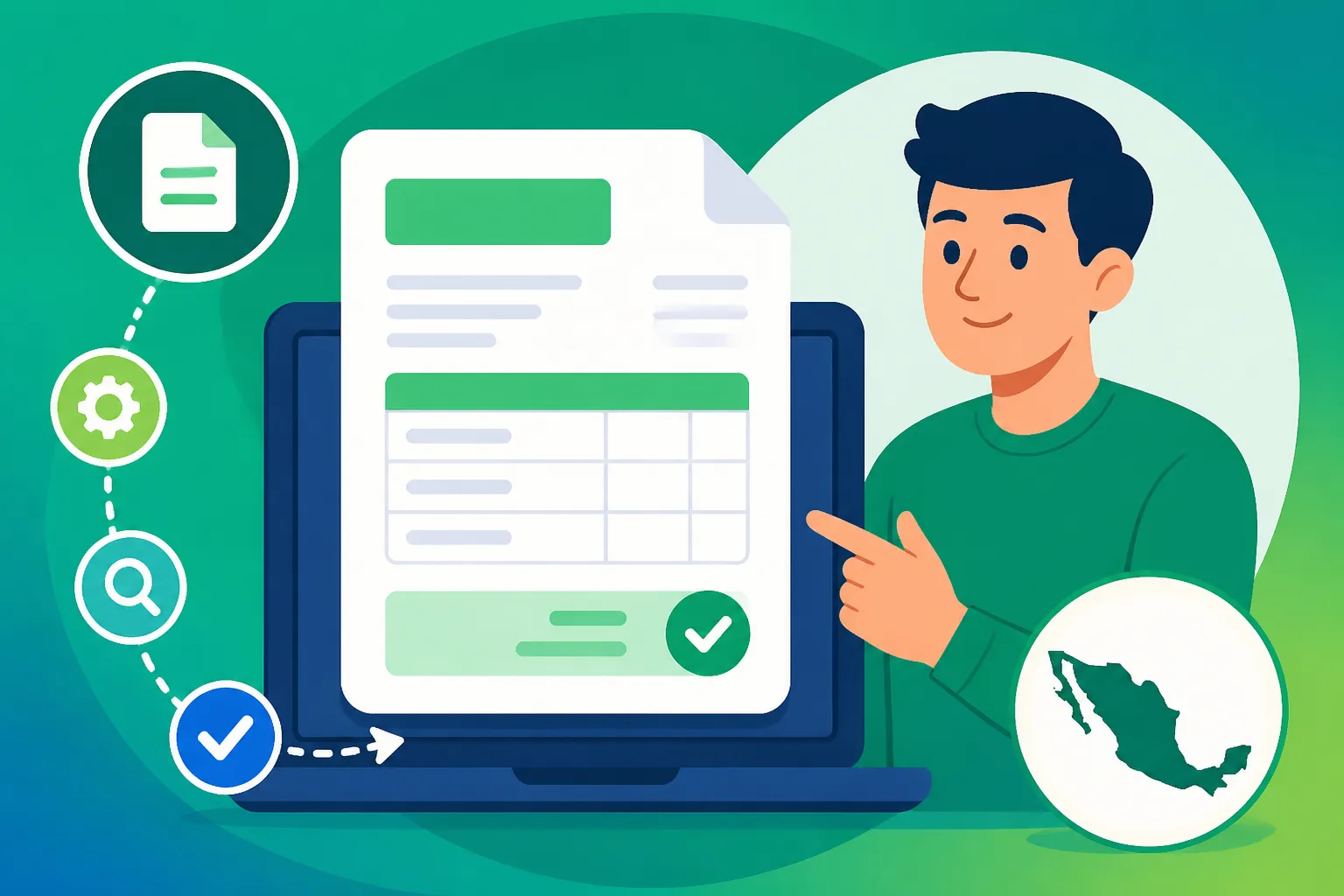
While many professionals use paid software, the SAT provides a free "Generación de CFDI" tool on their website. It is clunky, it times out frequently, and it requires a decent grasp of Spanish, but it gets the job done for occasional invoicing.
Navigating the SAT Dashboard
Once you log in with your RFC and password (or your e.firma), you’ll find the "Factura Electrónica" section. From there, you select "Servicio de Generación." The first thing you will notice is a series of fields that look like a foreign language—because they are. You’ll need to select the "Régimen Fiscal" (your tax regime), the "Tipo de Comprobante" (usually 'Ingreso' for income), and the "Uso de CFDI."
Choosing the "Uso de CFDI" is a common stumbling block. This tells the SAT what your client is going to do with the invoice. Most of the time, for general services, you will use "G03 – Gastos en general." However, always ask your client what they prefer. If you are receiving payments from abroad via Wise, you might be issuing these invoices to a foreign entity, which requires a specific generic RFC (XEXX010101000).
Filling Out the Form Without Losing Your Mind
The most tedious part is the "Conceptos" section. You can’t just type "Consulting." You have to find a specific code from the SAT’s massive "Clave de Producto o Servicio" catalog. For example, general computer services might be 81111500.
| Field Name | What It Means | Common Value |
|---|---|---|
| RFC Receptor | Client's Tax ID | (Their 12-13 digit code) |
| Nombre/Razón Social | Legal Name | (Must match Constancia exactly) |
| Código Postal | Client's Zip Code | (Must match Constancia exactly) |
| Régimen Fiscal | Client's Tax Regime | (e.g., 601, 605, 626) |
| Clave de Producto | SAT Service Code | (e.g., 80101500 for Consulting) |
| Objeto de Impuesto | Is it taxable? | 02 – Sí objeto de impuesto |
When you’ve filled everything out, you’ll add the tax (usually 16% IVA). If you are in the RESICO regime and invoicing a corporation, remember there is a 1.25% ISR retention. Once everything balances, you click "Sellar" and use your e.firma files to finalize it. The system will then generate a PDF and an XML file. The XML is the "real" invoice; the PDF is just for humans to read.
Advanced Tips for Managing Your Mexican Invoices
As you get more comfortable, you’ll realize that the SAT portal is just the beginning. Managing these documents is a monthly task that requires organization and a bit of technical savvy.
Handling Foreign Clients and International Payments
A common question I get is: "How do I invoice a client in the US or Canada?" You still have to issue a Mexican factura to "legalize" that income in Mexico. You use the generic foreign RFC mentioned earlier. You won't charge them IVA (it's usually 0% for exported services), but the total on the invoice must match the amount hitting your bank account.
Using Wise is incredibly helpful here because it allows you to receive USD or CAD and convert it to Pesos at a fair rate before it touches your Mexican bank. This makes the accounting much cleaner. When your accountant looks at your Sending Money To and From Mexico: Transfers and Fees, having a matching factura for every deposit makes your life much easier during tax season. For those with complex cross-border financial lives, Taxes for Expats can provide the necessary oversight to ensure your foreign income is reported correctly to both the SAT and your home country’s tax authority.
When and How to Cancel a Factura
Errors happen. Maybe you transposed two numbers or used the wrong service code. In the past, you could just delete an invoice and start over. Now, cancellation is a formal process. You must select a "Motivo de Cancelación" (Reason for Cancellation).
The most common reason is "01 – Comprobante emitido con errores con relación." This means you are canceling the old one and replacing it with a new, corrected one. Be careful: for some cancellations, your client actually has to log into their own SAT portal and "accept" the cancellation. This is why it is so important to double-check the Constancia before hitting "Sellar." If you find yourself in a mess with multiple incorrect invoices, it is time to look at How to Find an English-Speaking Accountant (Contador) in Mexico to help unknot the thread.
Professional Guidance and Final Thoughts
Issuing a factura is a rite of passage for any professional expat in Mexico. It signals that you are no longer just a visitor, but a contributing member of the local economy. While the technical hurdles are real, the system is manageable once you understand the logic behind it.
If you find that the intersection of Mexican and international taxes is becoming a full-time job, don't hesitate to seek professional help. Organizations like Taxes for Expats are designed for people exactly in your position, helping you bridge the gap between two different tax systems. And for the day-to-day movement of your hard-earned money, tools like Wise remain the gold standard for keeping your fees low and your exchange rates transparent. Stay organized, keep your Constancias in one folder, and remember that every "stamped" invoice is a step toward financial peace of mind in your new home. For more detailed help on the broader picture, check out Taxes in Mexico for Expats: A Complete Guide to Income Tax and More.
Disclaimer
This article is for informational purposes only and does not constitute legal or financial advice. Tax laws in Mexico are subject to frequent changes, and individual circumstances can vary significantly. Always consult with a certified Mexican accountant (Contador Público) or a qualified tax professional before making financial decisions or filing tax documents in Mexico.