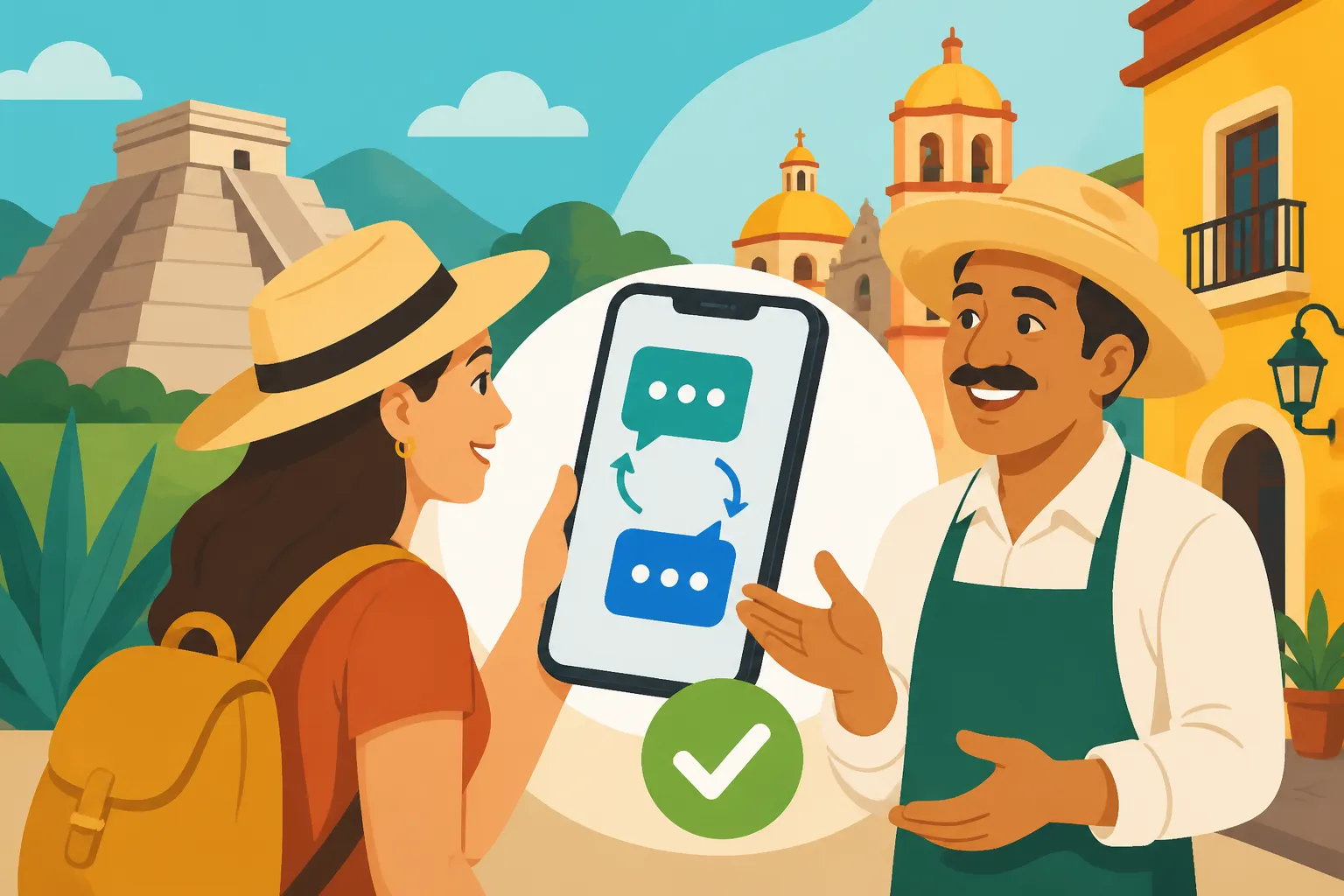
Using Translation Apps in Mexico: What Works Best
Oh, the language barrier in Mexico! It's one of those things that can feel like a constant, low-level hum of anxiety when you first arrive, even for the most seasoned traveler or expat. Trying to communicate something crucial, whether it's understanding a doctor's instructions, ordering food, or simply asking for directions, can quickly escalate from a minor inconvenience to a genuine moment of panic. This guide is here to shed some light on the world of translation apps, helping you navigate daily life with more confidence and less fumbling, making your Mexican experience smoother and more enjoyable.
Disclosure: This post may contain affiliate links. We may earn a commission at no extra cost to you if you make a purchase through these links. Read full disclosure.
Why Translation Apps Are Your Best Friend (But Not a Substitute for Learning Spanish)
Let's be real, you're not going to become a fluent Spanish speaker overnight. And while every expat, myself included, will tell you to absolutely, positively learn some Spanish, translation apps are an invaluable tool in your arsenal. They bridge those awkward, frustrating gaps, offering immediate assistance when your brain freezes on a verb conjugation or when you simply don't have the time to look up every single word. They won't replace genuine human connection or the deep satisfaction of having a real conversation in Spanish, but they can certainly make the daily grind a whole lot easier.
The Inevitable Language Hurdles You'll Face
Even in the most tourist-friendly destinations like Cancun, Playa del Carmen, or Puerto Vallarta, where English is widely spoken in hotels and major restaurants, you're going to encounter situations where Spanish is king. Step into a local market, try to chat with a taxi driver, or attempt to understand a utility bill, and suddenly you're in a completely different linguistic landscape. The unique challenge in Mexico often lies in the speed of spoken Spanish, the use of regional slang – trust me, Mexican Spanish has its own flavor that differs significantly from, say, Spanish spoken in Spain – and the inherent politeness that can sometimes make direct translation tricky. You'll find yourself needing to communicate about everything from a sudden headache at a farmacia to asking for a specific cut of meat at the carnicería.
Imagine you're at a local market (mercado) trying to buy some fresh produce. The vendor is enthusiastically telling you about the origin of their papayas, but all you hear is a rapid-fire stream of sounds. Or perhaps you're trying to explain a complex dietary restriction to a waiter at a small, authentic restaurant that doesn't have an English menu. These are the moments when you feel the crunch of the language barrier most acutely. It's not just about knowing words, but understanding context, cultural nuances, and the rhythm of conversation. And while a simple "gracias" or "por favor" goes a long way, sometimes you need to dive deeper, and that's where your trusty app comes in.
Bridging the Gap: Where Apps Shine (and Where They Don't)
Translation apps excel in specific, transactional situations. Need to read a street sign? Check. Trying to figure out what that obscure ingredient is on a menu? Perfect. Want to convey a simple, direct question to a bus driver? Absolutely. They provide immediate, functional understanding. This is especially true for text-based translation, where the algorithms can work their magic without the added complexity of accents, intonation, or background noise.
However, it's crucial to understand their limitations. These apps are not sentient beings. They don't understand sarcasm, complex emotional expressions, or the subtle jokes that often pepper everyday conversations. They might give you a grammatically correct translation that sounds stiff, formal, or even unintentionally rude in a culture that highly values politeness and indirect communication. Think about trying to explain a nuanced medical symptom to a doctor through an app; while it can provide keywords, it won't capture the full picture of your discomfort or pain. For detailed discussions about your health, you might still prefer to Find English-Speaking Doctors and Specialists in Mexico. Likewise, while a translation app can help you book a tour with a company like Viator, it can't fully convey the excitement or specific curiosities you might have about a particular archaeological site or culinary experience.
Top Translation Apps for Your Mexico Adventure
With so many translation apps out there, it can be overwhelming to pick the right one. I've tried many over the years, and while each has its quirks, a few stand out for their reliability and features, especially for the unique challenges of Mexico.
Google Translate: The Ubiquitous Go-To
Google Translate is often the first app people download, and for good reason. It’s widely available, free, and constantly updated. Its sheer volume of data means it handles a vast array of languages, and its Spanish translation capabilities are generally quite robust.
- What Makes it Great for Mexico: Its offline language packs are a lifesaver. You absolutely must download the Spanish pack before you arrive or venture into areas with spotty internet. This feature alone makes it indispensable. I've been in countless small towns and rural areas where cell service is non-existent, and having the ability to translate a menu or ask for directions using only my phone's stored data has saved me from awkward situations more times than I can count. Its camera translation feature is also fantastic for menus, signs, and labels – just point your phone, and it often provides an overlay translation in real-time. This is particularly useful in an authentic market where signage might be sparse or entirely in Spanish. Its conversation mode, which attempts to translate spoken dialogue in real-time, can be clunky but sometimes provides enough understanding to get the gist of a conversation.
- Where it Falls Short: While improved, Google Translate can still struggle with the rapid-fire nature of spoken Mexican Spanish, particularly with local idioms or slang. The translations can sometimes be too literal, leading to phrases that sound unnatural or even a bit rude in a country where politeness is key. For example, a direct translation of "I want" might come across as demanding rather than the more polite "I would like." You'll learn that simple phrases like "quiero" (I want) are often softened with "quisiera" (I would like) or "me gustaría" (I would like) in polite conversation. It's great for quick word-for-word help, but not for deep, nuanced conversations.
DeepL Translate: A Dark Horse for Nuance
DeepL Translate has gained a strong reputation for its context-aware translations, often producing more natural-sounding phrases than Google Translate. It uses neural networks that are particularly good at understanding the broader context of sentences, which can be a game-changer for less direct communication.
- What Makes it Great for Mexico: If you're trying to write a more complex email, formulate a polite request, or understand a detailed explanation, DeepL often provides superior results. Its translations tend to flow better and capture subtleties that other apps miss. I've used it to draft more formal communications, like inquiries about rental properties or questions about official documents, and found its output to be consistently more polished. It feels less like a word-for-word swap and more like a true rephrasing for meaning. This is incredibly helpful when dealing with more serious topics like visas or legal paperwork.
- Where it Falls Short: Unfortunately, DeepL's offline capabilities are not as robust as Google Translate's, which is a significant drawback if you're frequently in areas without internet access. While its English-to-Spanish translations are excellent, its real-time voice translation and camera features aren't as developed or user-friendly as Google's. So, for quick, on-the-spot visual translations or spontaneous verbal exchanges, it might not be your primary choice. Its focus is more on written accuracy and contextual understanding, making it a powerful tool for specific, but not all, situations.
Other Contenders: Microsoft Translator & iTranslate
Beyond the big two, there are other apps that offer varying features.
- Microsoft Translator: This app is a solid alternative, offering similar features to Google Translate, including offline language packs and camera translation. Its conversation mode is often praised for being a bit more intuitive in group settings, allowing multiple people to join a translated conversation. I've found it to be a reliable backup, especially when one app might be struggling with a particular phrase. It sometimes offers different stylistic choices in translation, which can be useful for comparing and finding the most appropriate phrasing.
- iTranslate: This app is another popular choice, known for its sleek interface and wide range of features, including text, voice, and even website translation. It often includes dictionary functions and verb conjugations, which are incredibly helpful for those who are actively trying to learn Spanish. However, many of its advanced features are locked behind a paid subscription, which might not be worth it for casual users when excellent free options exist. Its premium version can be very powerful for more dedicated language learners, providing not just translations but also grammar insights.
Here's a quick comparison of the top contenders:
| Feature | Google Translate | DeepL Translate | Microsoft Translator |
|---|---|---|---|
| Offline Translation | Excellent (downloadable language packs) | Limited/Requires Subscription | Good (downloadable language packs) |
| Voice/Conversation Mode | Good (can be clunky) | Basic | Good (multi-person conversation) |
| Camera Translation | Excellent (real-time overlay) | Basic/No dedicated feature | Good |
| Text Accuracy/Nuance | Good (literal focus) | Excellent (context-aware, natural) | Good (reliable alternative) |
| Ease of Use | Very High | High | High |
| Price | Free | Free (Pro version for more features) | Free |
Making the Most of Your Translation App: Practical Tips and Tricks
Having an app is one thing; using it effectively is another. There are a few strategies that will dramatically improve your experience and make you feel less reliant on guesswork.
Offline Capabilities: Your Lifeline in Remote Areas
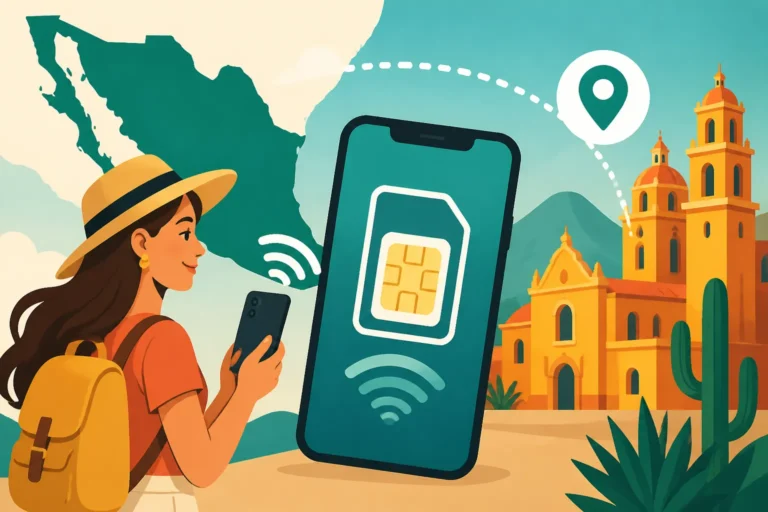
This cannot be stressed enough: download your offline language packs! Mexico is a country of incredible natural beauty and charming small towns, but reliable internet and cell service are not always guaranteed outside of major cities. Heading to a Pueblo Mágico like San Miguel de Allende or exploring the ancient ruins outside Oaxaca City? You might find yourself disconnected. Without offline packs, your translation app is essentially useless.
I've learned this the hard way more than once. Imagine you're on a long-distance bus trip with Busbud, traveling through a remote part of Chiapas. You stop for a quick meal at a roadside diner, and the menu is handwritten, no pictures, completely in Spanish. No internet, no problem if you've downloaded the language pack. You can still use the camera feature to scan the menu or type in a question. It's like having a mini-interpreter in your pocket, always ready to assist. Always make sure your phone is charged, too, as translation apps can be battery-intensive, especially when using the camera or voice features. This is a critical step for anyone who plans on exploring beyond the well-trodden tourist paths.
Voice and Conversation Mode: When Speaking is Key
These modes are fantastic for quick, back-and-forth communication, but they require a little patience and good pronunciation from both sides. When using voice input, speak clearly and at a moderate pace. Encourage the person you're speaking with to do the same.
- Tips for Success:
- Speak in short, direct sentences: Avoid complex sentence structures or compound sentences. Break your thoughts into individual, clear statements.
- Reduce background noise: Step away from bustling streets or loud restaurants if possible. The clearer the audio, the better the translation.
- Confirm understanding: After a translation, observe the other person's reaction. A simple nod or a confused look will tell you if the message got across. You can also ask "¿Entendió?" (Did you understand?) or "¿Está claro?" (Is it clear?).
- Don't interrupt: Let the app finish its translation before either of you speaks again.
- Be patient and smile: A little patience and a friendly demeanor go a long way in Mexico. People appreciate the effort you're making, even if the technology isn't perfect.
I remember once trying to explain to a mechanic in a small town that my car had a strange rattling noise when turning left. My Spanish wasn't up to the task, and his English was non-existent. We used Google Translate's conversation mode, breaking down the issue into simple phrases: "Noise here," "when I turn," "only left." It was slow, but eventually, we got to an understanding, and he was able to diagnose the issue. It was a perfect example of how the app, combined with mutual patience, bridged a significant communication gap.
Camera Translation: Deciphering Menus and Signs
The camera translation feature is pure magic. It lets you instantly understand text in your surroundings. This feature is a game-changer for daily life.
- How to Use It Effectively:
- Lighting is crucial: Ensure good lighting for the text you're scanning. Shadows or dim light can make it difficult for the app to recognize characters.
- Hold steady: Keep your phone as still as possible to allow the app to focus and process the text.
- Be aware of context: Sometimes the app will translate words individually, and the overall meaning might still be slightly off. For instance, a menu item might translate literally but lose its culinary context. A "child's plate" might be translated as "boy's dish," which, while technically correct, isn't how it would be described in English.
- Street Signs and Public Notices: This feature is fantastic for understanding public transportation signs, entrance requirements at historical sites, or even warning labels on products. When you're trying to figure out if that sign says "No Parking" or "One Way," a quick scan can save you a lot of trouble. This is particularly useful when navigating larger cities like Mexico City.
I’ve used this feature extensively when trying to figure out ingredients in grocery stores (especially for obscure Mexican spices!) or when confronted with a lengthy menu in a fonda where everything looked delicious but completely unfamiliar. It helps you make informed choices, whether you’re selecting a new dish or just trying to avoid something you might be allergic to. It makes grocery shopping or ordering at a local eatery a fun adventure rather than a stressful ordeal.
Real-Life Scenarios: When and How to Use Your App (and When to Put it Down)
Knowing when to pull out your phone and when to rely on a simple phrase or gesture is a skill you'll develop with time. Apps are tools, but they're not always the best tool for every situation.
Navigating Markets, Restaurants, and Taxis
These are some of the most common daily interactions where translation apps become incredibly useful.
- At the Market (Mercado): When buying produce, a simple "¿Cuánto cuesta?" (How much does it cost?) is usually enough. But if you want to ask about ripeness, origin, or a specific preparation method, your app is gold. Pointing and translating "Is this ripe?" or "How do I cook this?" can unlock a wealth of information and even lead to a friendly conversation. For general guidance on shopping, check out our guide on Mexican Markets and Food Halls for Visitors.
- In Restaurants: As mentioned, menus are prime candidates for camera translation. If you have dietary restrictions (e.g., "Soy vegetariano/a" – I am vegetarian, or "No puedo comer gluten" – I cannot eat gluten), type it into your app and show it to your server. This ensures clarity, especially with serious allergies. For Ordering Food and Drinks in Spanish in Mexico, it’s still best to learn key phrases, but the app can clarify ingredients.
- With Taxis/Ride-Shares: If you're using Uber or a similar app, the destination is already handled. But if you're hailing a taxi (and have settled on a price beforehand!), and need to give more specific directions, or explain a slight detour, the voice translator can be helpful. However, keep it brief and to the point. Most taxi drivers appreciate directness. For more on transportation, see our guide to Taxis, Uber, and Ride-Hailing in Mexico.
I remember once trying to tell a taxi driver that I needed to stop at an ATM before heading home. My Spanish was struggling to string together the past tense and the subjunctive. A quick input into Google Translate for "Can we stop at a cash machine please, before going to my house?" and showing him the translated text did the trick. He understood immediately and pulled over at the next bank. It turned a potentially frustrating situation into a smooth interaction.
Dealing with Bureaucracy and Emergencies
This is where accuracy and clear communication become paramount. You absolutely do not want misinterpretations here.
- Bureaucracy: When dealing with immigration (INM), banks, or utility companies, having a translation app is essential, but it should be used for clarification, not as your primary communication method for complex forms or legal explanations. Use the app to translate specific terms on forms, understand a clerk's rapid explanation, or formulate a precise question. For example, understanding a term like "Acta de Nacimiento" (birth certificate) or "Comprobante de Domicilio" (proof of address) on a form. For more sensitive interactions, especially those regarding visas or legal matters, it's always best to have a human interpreter or a Spanish-speaking friend with you, if possible.
- Emergencies: In a true emergency, like a medical situation, a translation app is a vital tool, especially if no English speakers are immediately available. Use it to convey your symptoms, allergies, and medications. Have these phrases pre-typed or saved as favorites for quick access. This is where the ability to quickly translate "I am allergic to penicillin" or "I have severe chest pain" becomes critical. However, for a genuine emergency, calling 911 is your priority, and they might have English speakers, but it's not guaranteed. Be ready to use your app for vital information.
A friend of mine had an unexpected allergic reaction while out to dinner. Her throat started to close, and she needed to explain her severe peanut allergy immediately. She grabbed her phone, typed "Soy alérgica a los cacahuates. Necesito ir al hospital ahora mismo" (I am allergic to peanuts. I need to go to the hospital right now) into DeepL, and showed it to the restaurant staff. The clarity of the translation, even in the stress of the moment, allowed them to act quickly and get her medical attention.
Socializing and Making Friends
This is where the limitations of translation apps become most apparent, but they can still play a supporting role.
- Initial Icebreakers: If you're struggling to initiate a conversation or understand a new acquaintance, a quick translation can help you bridge the first few sentences. "It's a beautiful day, isn't it?" or "What kind of music do you like?" But relying on it for an entire conversation will make interactions feel clunky and impersonal.
- Cultural Nuances: Mexican culture is warm and social. Direct, app-translated questions can sometimes sound blunt or devoid of the warmth that's expected. For instance, when asking someone "How are you?", simply translating "How are you?" might not capture the full essence of a polite Mexican greeting, which often includes a bit more preamble. Learn the local greeting nuances. You'll find a lot of valuable insights in Mexican Etiquette and Customs: Do's and Don'ts for New Expats.
- When to Put it Down: For genuine socializing and Making Friends in Mexico: Expat Groups, Meetups, and Social Tips, the best approach is to try to speak Spanish, even if it's broken. People appreciate the effort. Use the app as a last resort for clarifying a specific word or phrase, but then put it away and engage directly. Embrace the mistakes; they're part of the learning process and often lead to shared laughter and stronger connections. Locals are generally incredibly patient and helpful with those learning their language.
The Human Touch: Beyond the App (and When to Learn a Few Phrases)
While translation apps are indispensable, they are merely tools. The real magic happens when you start to connect with the local language and culture on a deeper level.
The Value of Learning Basic Spanish
I can't stress this enough: learn some Spanish. Even just a few key phrases will transform your experience. It shows respect, opens doors to richer interactions, and empowers you to navigate daily life with far less stress. You don't need to be fluent to make a significant impact on your daily life.
- Essential Phrases to Master (Beyond the App):
- Greetings: "Hola," "Buenos días," "Buenas tardes," "Buenas noches."
- Politeness: "Por favor," "Gracias," "De nada" (You're welcome), "Con permiso" (Excuse me/May I pass), "Disculpe" (Excuse me/Sorry).
- Basic Inquiries: "¿Cuánto cuesta?" (How much?), "¿Dónde está…?" (Where is…?), "¿Habla inglés?" (Do you speak English?).
- Ordering: "Quisiera…" or "Me gustaría…" (I would like…).
- Understanding: "No entiendo" (I don't understand), "¿Puede repetir, por favor?" (Can you repeat, please?).
- Why it Matters: When you make the effort, even if imperfectly, locals respond with warmth and encouragement. It's a sign of genuine interest in their culture. Many online resources and local schools offer "Learning Spanish in Mexico: Top Tips and Resources for Expats" that can dramatically accelerate your progress. Even for basic interactions, relying solely on an app can create a barrier, while a few spoken words can immediately build rapport.
When to Ask for Help: Locals and Expat Communities
Sometimes, despite your best efforts with an app and your burgeoning Spanish skills, you'll hit a wall. That's okay. Mexico is incredibly community-oriented, and people are generally very willing to help.
- Befriending Locals: Don't be afraid to ask for help from a friendly local. Most Mexicans are incredibly patient and understanding, especially when they see you making an effort. A simple "Lo siento, mi español es un poco limitado. ¿Me puede ayudar, por favor?" (I'm sorry, my Spanish is a bit limited. Can you help me, please?) often elicits a warm response.
- Expat Communities: Mexico has thriving expat communities in many cities. These groups are fantastic resources for advice, recommendations, and even direct help with tricky language situations. Join Facebook groups, attend local meetups, or simply ask around in expat-friendly cafes. Someone in your local "Living in Mexico with Limited Spanish: Survival Tips for Language Barriers" community might have already navigated the exact bureaucratic headache you're facing and can offer a nuanced explanation or even accompany you. They can also share tips on navigating local services, understanding internet providers like Telcel or Totalplay, or even which doctors are known to speak English.
Remember, technology is a fantastic enabler, but it's the human connection and your willingness to step outside your comfort zone that will truly enrich your expat experience in Mexico. Use your apps wisely, but never underestimate the power of a warm smile and a few well-intentioned Spanish words.
Disclaimer
The information provided in this guide is for general informational purposes only and does not constitute professional advice. While we strive to keep the information accurate and up-to-date, circumstances in Mexico, including governmental regulations and technology, can change rapidly. Always consult with relevant professionals (e.g., immigration lawyers, financial advisors, medical professionals) for advice tailored to your specific situation.