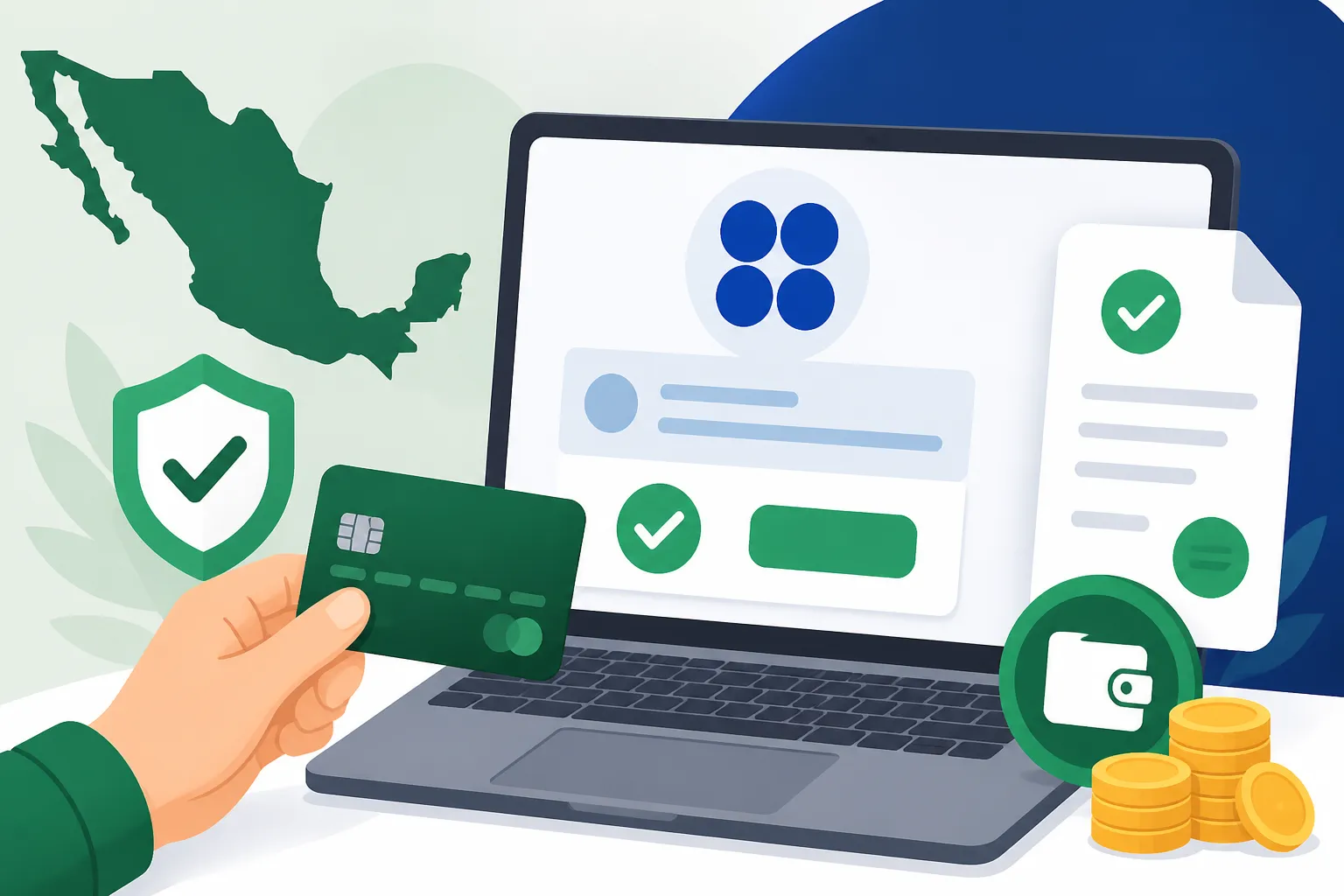
How to Pay Mexican Taxes Online Through the SAT Portal
Wrestling with the SAT portal often feels like a rite of passage for foreigners in Mexico that nobody asked for, usually involving cryptic error messages and a website that seems to only work on certain browsers. I still remember the cold sweat I broke into the first time I stared at a red "Error 404" while trying to pay my monthly ISR, fearing a knock on the door from a tax inspector the next morning. This guide breaks down exactly how to navigate the SAT portal to pay your taxes online, from generating your payment voucher to confirming the transaction with your bank, so you can stop worrying about the bureaucracy and get back to enjoying your life in the sun.
Disclosure: This post may contain affiliate links. We may earn a commission at no extra cost to you if you make a purchase through these links. Read full disclosure.
Understanding the SAT Ecosystem and Your Digital Credentials
Before you even think about clicking a link on the SAT website, you need to understand that the Mexican tax authority—the Servicio de Administración Tributaria (SAT)—operates almost entirely on a system of digital keys. If you’ve spent any time at all looking into The RFC and SAT: Mexico's Tax System for Foreigners, you know that having an active RFC is just the baseline. For online payments and filings, the most critical piece of the puzzle is your "e.firma" (formerly known as the FIEL). This is a set of encrypted files (a .cer and a .key file) and a private password that acts as your legal digital signature. Without these files stored safely on a USB drive, your ability to do anything beyond a basic inquiry on the portal is severely limited.
When you first log in, you will likely be confronted with the Buzón Tributario, which is your official tax mailbox. This is where the SAT sends notifications, and under 2026 regulations, failing to keep this mailbox active and updated with a valid email and phone number can actually result in fines. As an expat, you’re likely operating under one of two main regimes: The RESICO Tax Regime in Mexico Explained for freelancers and small business owners, or the standard "Sueldos y Salarios" if you’re employed locally. Each has a different path within the portal, but the logic remains the same: you must first declare what you owe before the system will allow you to pay it.
Many of us move to Mexico to escape the high-stress administrative load of our home countries, but the SAT is one area where "mañana" culture doesn't apply. The deadline for monthly declarations is typically the 17th of the following month. If you are a US citizen, you also have the added complexity of ensuring your Mexican payments are properly documented so you can discuss them with services like Taxes for Expats when it’s time to file your 1040. Keeping your digital credentials organized is the only way to ensure you don't miss these windows and end up in a spiral of "recargos" (late fees) and "actualizaciones" (inflation adjustments).
Generating Your Línea de Captura: The Step-by-Step Process
The "Línea de Captura" is arguably the most important term you need to learn when dealing with Income Tax (ISR) in Mexico: How It Works. It is a unique numerical code generated by the SAT portal after you have submitted your tax declaration. This code tells the banking system exactly which tax period you are paying, which RFC it belongs to, and the total amount due including any pennies. You cannot simply "send money" to the SAT; you must present this specific reference number to a bank, whether in person or via their online portal.
To generate this, you’ll navigate to the "Declaraciones" section of the SAT website. From there, you’ll select "Presenta tu declaración de pagos provisionales o definitivos." You will be asked to choose the type of declaration (usually "Normal") and the period (Monthly). If you are registered in the RESICO regime, the portal is supposed to "pre-fill" much of your income data based on the electronic invoices (CFDIs) you issued during the month. However, never trust the pre-fill blindly. I’ve seen countless instances where an invoice was canceled but still showed up in the total, or where a deduction wasn't accounted for. Always cross-reference the portal's numbers with your own records before clicking "Send."
Once you review the summary and hit the submit button, the portal will generate a PDF document called the "Acuse de Recibo." This is your golden ticket. On this page, you will see the "Línea de Captura" and an expiration date. If you don't pay by that expiration date, the code becomes invalid, and you have to go back into the portal to "re-present" the declaration to get a new code, which often includes a small late fee added automatically. If you’re still in the process of getting your paperwork in order, you might want to review Filing Taxes in Mexico as a Foreigner to ensure you're choosing the right declaration paths for your specific residency status.
Making the Payment Through Your Mexican Bank Portal
Once you have your PDF with the Línea de Captura, the actual payment happens within your private banking app or website. This is where many expats hit a snag: you generally need a Mexican bank account to pay these taxes online efficiently. While some major banks allow for "Pago de Impuestos Federales," the interface can vary wildly between institutions like BBVA, Banorte, or Santander. You can find more about which banks are most expat-friendly in our guide on the Best Banks in Mexico for Expats: Comparing Fees and Services.
Inside your banking portal, look for a section labeled "Pago de Impuestos" or "Convenios." You will be asked to enter the Línea de Captura exactly as it appears on your SAT PDF. The bank's system will then communicate with the SAT's database to verify the amount. If the numbers match, you authorize the payment from your checking account. It is highly recommended to do this during "banking hours" (usually before 7:00 PM), as some bank systems will queue the payment for the next day if done late at night, which could push you past the deadline if you're a procrastinator like I used to be.
If your funds are currently sitting in a foreign account, you'll need to move them into your Mexican account first. This is where a service like Wise becomes invaluable. Using Wise allows you to transfer USD, CAD, or EUR into Mexican Pesos at the mid-market rate with much lower fees than traditional wire transfers. I typically move my tax budget into my Mexican account a few days before the 17th to account for any transfer delays, ensuring that when I log into my Mexican banking app to enter that Línea de Captura, the pesos are ready and waiting. For more on managing these movements, check out Sending Money To and From Mexico: Transfers and Fees.
| Feature | SAT Portal (Online) | In-Person (Ventanilla) | Banking App |
|---|---|---|---|
| Availability | 24/7 (mostly) | Bank Hours Only | 24/7 |
| Requires e.firma | Yes, for filing | No (just the PDF) | No (just the code) |
| Speed | Instant PDF generation | Slow queues | Instant confirmation |
| Best For | Generating the bill | Cash payments | Regular monthly filings |
Managing International Reporting and Professional Support
Even though you are successfully paying your Mexican taxes through the portal, your work isn't quite done if you have tax obligations in your home country. For Americans, the IRS wants to know about your foreign income and the taxes you paid to the SAT to avoid double taxation via the Foreign Tax Credit. This is a delicate balancing act that requires precise record-keeping. You should always download and save every "Acuse de Recibo" and the corresponding bank payment confirmation (the "Comprobante Electrónico de Pago" or CEP).
If the thought of navigating a Spanish-language government portal makes your head spin, you aren't alone. Many expats choose to work with a local "contador" (accountant) who can handle the SAT portal side of things for a monthly fee, which is often quite reasonable (usually between $500 and $1,500 MXN per month for basic RESICO filings). However, even with a local accountant, you still need to understand the process. I’ve heard horror stories of accountants who simply stopped filing, leaving the expat with years of back taxes. It is your RFC on the line, so logging in occasionally to check your "Opinión del Cumplimiento" (Compliance Opinion) is a vital habit. This document is a simple "Positive" or "Negative" status report from the SAT that tells you if they think you owe them anything.
For those managing complex assets in both countries, consulting with Taxes for Expats can provide the specialized oversight needed to ensure your Mexican "pagos provisionales" are being reported correctly on your US returns. Understanding the nuances between a physical presence test and tax residency is essential, especially if you are frequently crossing borders. You can dive deeper into this specific headache in our article on Do US Expats Living in Mexico Still Need to Pay US Taxes?.
Troubleshooting Common SAT Portal Issues
The SAT portal is notorious for technical glitches. If you find that the "Declaraciones" page won't load or the buttons aren't responding, the first step is almost always to switch browsers. Traditionally, the portal was built to work best on Internet Explorer (yes, really), but it generally behaves best on Microsoft Edge or a completely clean version of Google Chrome with no ad-blockers active. Clearing your cache and cookies is often the only way to get past a looping login screen.
Another common issue is the "e.firma" not being recognized. This usually happens if your computer's system time doesn't match the SAT server's time or if your certificate has expired. Remember, an e.firma is typically valid for four years. If it expires, you cannot renew it online if you’ve let it lapse for too long; you’ll have to book an appointment at a local SAT office to get a new one. This is a process that can take weeks to secure an appointment for, so keep a calendar reminder for six months before your e.firma expiration date.
Finally, if you’re trying to pay a tax bill that seems outrageously high, stop and check your "facturas recibidas" (invoices received). In Mexico, your deductions are based on electronic invoices issued to your RFC. If a provider didn't ask for your tax details or didn't send the invoice correctly, the SAT won't "see" that expense, and you’ll end up paying tax on your gross income instead of your net. Learning How to Get an RFC in Mexico and ensuring every doctor, landlord, and service provider has it is the only way to keep your online tax payments manageable.
Practical Tips for a Stress-Free Tax Day
To make this process as smooth as possible, I recommend creating a "Tax Folder" on your computer and a physical one in your desk. Every time you pay your taxes online, save the following three documents: the declaration summary, the Línea de Captura PDF, and the bank’s payment confirmation. Having these three pieces of evidence will save you if the SAT's system ever fails to register your payment—a rare but stressful occurrence.
- Set Reminders: Mark the 10th of every month to gather your invoices and the 15th to make the payment. Don't wait until the 17th.
- Check Your "Opinión del Cumplimiento": Do this once a month. If it’s "Negativa," it means the SAT thinks you missed something, and you can catch it before the fines grow.
- Use a Dedicated Browser: Keep one browser (like Edge) specifically for SAT work with no extensions to minimize technical conflicts.
- Keep Your e.firma Safe: Never email your .key and .cer files to anyone. If your accountant needs them, give them to them via a secure USB drive or a password-protected cloud folder.
Paying taxes is never fun, but in Mexico, the transition to a fully digital system has actually made things faster once you climb the initial learning curve. By staying proactive and using tools like Wise for your currency transfers and professional advice for your cross-border obligations, you can satisfy the tax man with just a few clicks from your living room.
Disclaimer
This guide is provided for informational purposes only and does not constitute professional tax, legal, or financial advice. Tax laws in Mexico are subject to frequent change, and the 2026 regulations mentioned here may be updated by the Mexican authorities at any time. We strongly recommend consulting with a certified Mexican accountant (Contador Público) and a tax professional specialized in expat affairs to ensure compliance with both Mexican and your home country's tax laws. The author is a lifestyle blogger and veteran expat, not a licensed financial advisor.